Ghost Assets: Equipment on the Asset Register That Is No Longer There
What ghost assets are, how sold, lost or damaged equipment stays on the fixed asset register, what that does to the accounts and the audit, and how Osol takes an asset off the active register through an approved request.
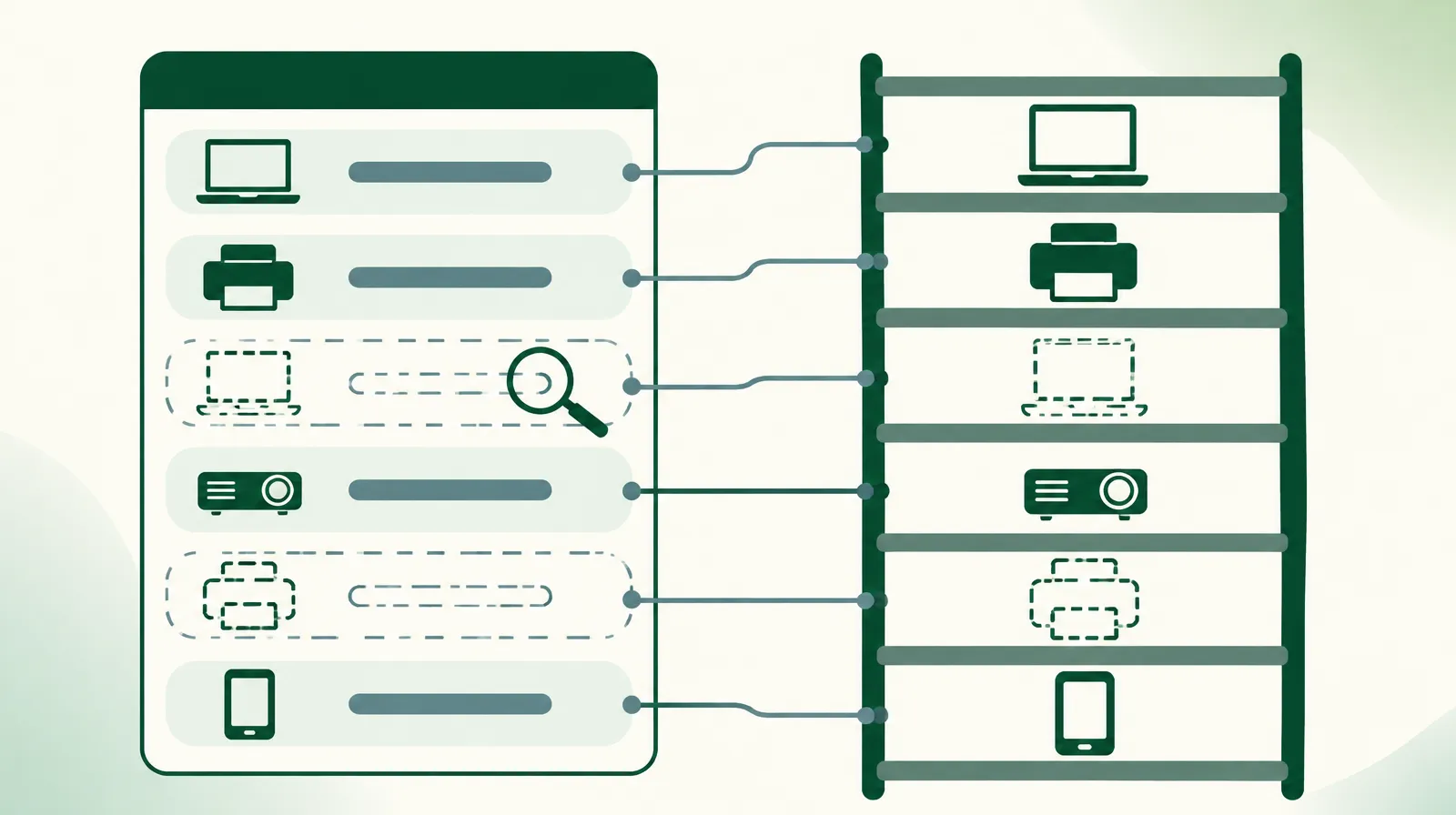
The external auditor picks forty assets from the fixed asset register and asks to see them. The team finds thirty-four. The other six: three laptops replaced three years ago whose old units nobody can place, a printer sold with the furniture of a closed branch, a projector that broke and went into a storeroom, and a mobile phone nobody remembers. Six out of forty is fifteen percent of the sample, and the auditor will write that down.
The example is an illustration, not one client's story. Accounting has a name for those six items: ghost assets. This article explains how they form, what they cost, and how they leave the register in a way an auditor accepts in Osol.
What ghost assets are
A ghost asset is recorded in the books and absent in reality, or present and unusable. The reverse also exists: a device working on a desk with no line on the register. Both point to the same problem, a register that is updated only at purchase.
How an asset becomes a ghost
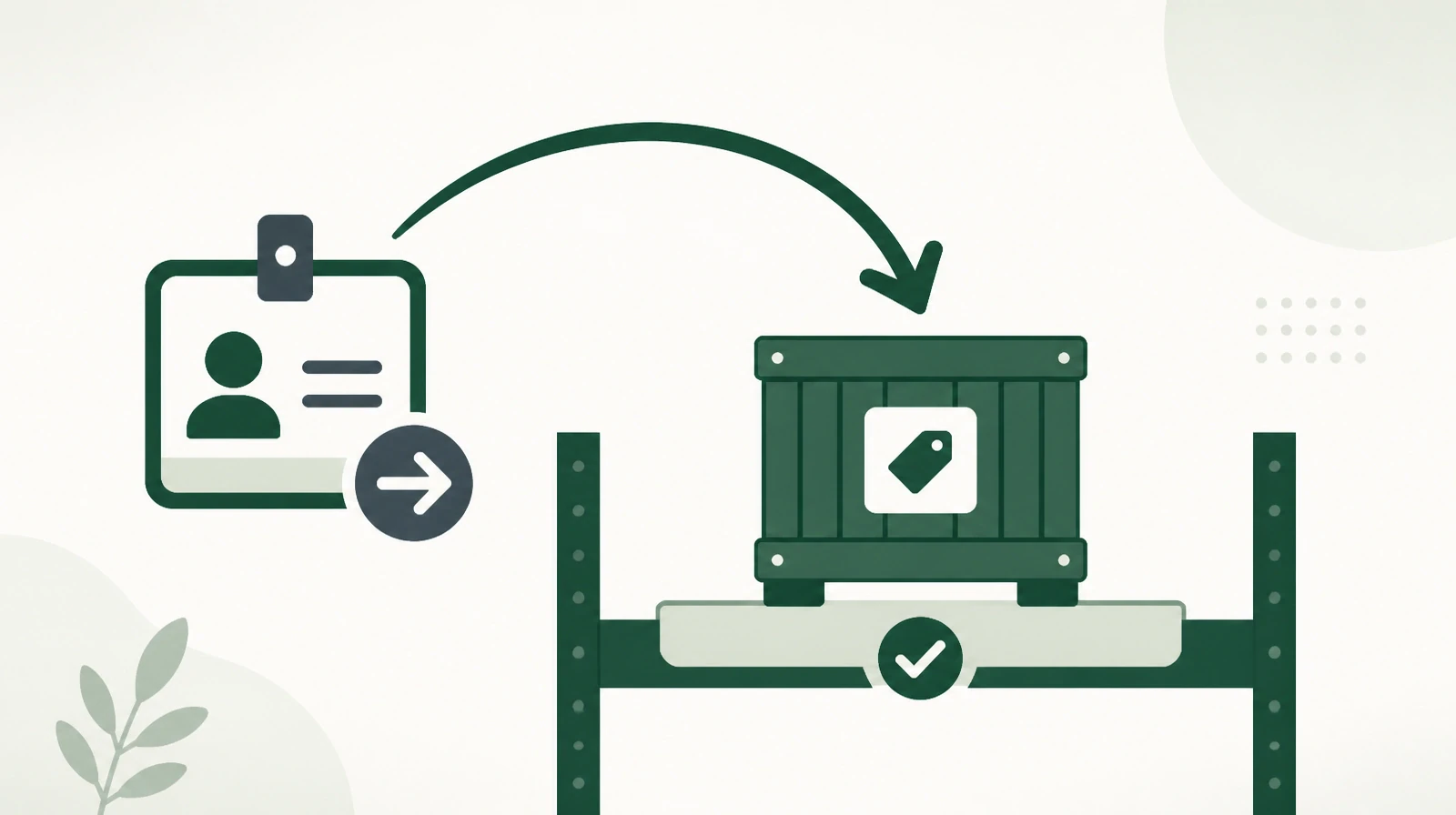
Replacement is the most common route. An employee receives a new laptop, the new one is recorded under the employee's name, and the old one stays on the register under the same name. The old device goes to a colleague, into a drawer, or out of the building.
The second route is a sale or donation with no entry. The organisation sells the furniture of a branch it closed, the amount is booked as income, and nobody tells the person who keeps the asset register.
The third route is a loss nobody reports. An employee who lost a device knows that a report means questions, and postpones it. The employee's manager would prefer the loss not to show in the department. The asset stays on the register for years.
The fourth route is damage. Nobody throws a broken device away, because it is custody. It goes into a storeroom and remains on the register at full value.
What ghost assets cost
The first effect is on the financial statements. The value of fixed assets is higher than reality, and depreciation is charged on equipment that is gone. An organisation with two thousand assets, five percent of them ghosts, carries one hundred assets in its books that do not exist.
The second effect is on the audit. A sample that does not match the register pushes the auditor to widen the testing, and can end as a finding about weak control over assets.
The third effect is on purchasing. When management does not trust the register, every new employee gets a new device even if the storeroom holds enough. And where the organisation insures its assets at their recorded value, it pays for equipment it could never claim on.
The count reveals the difference and does not settle it
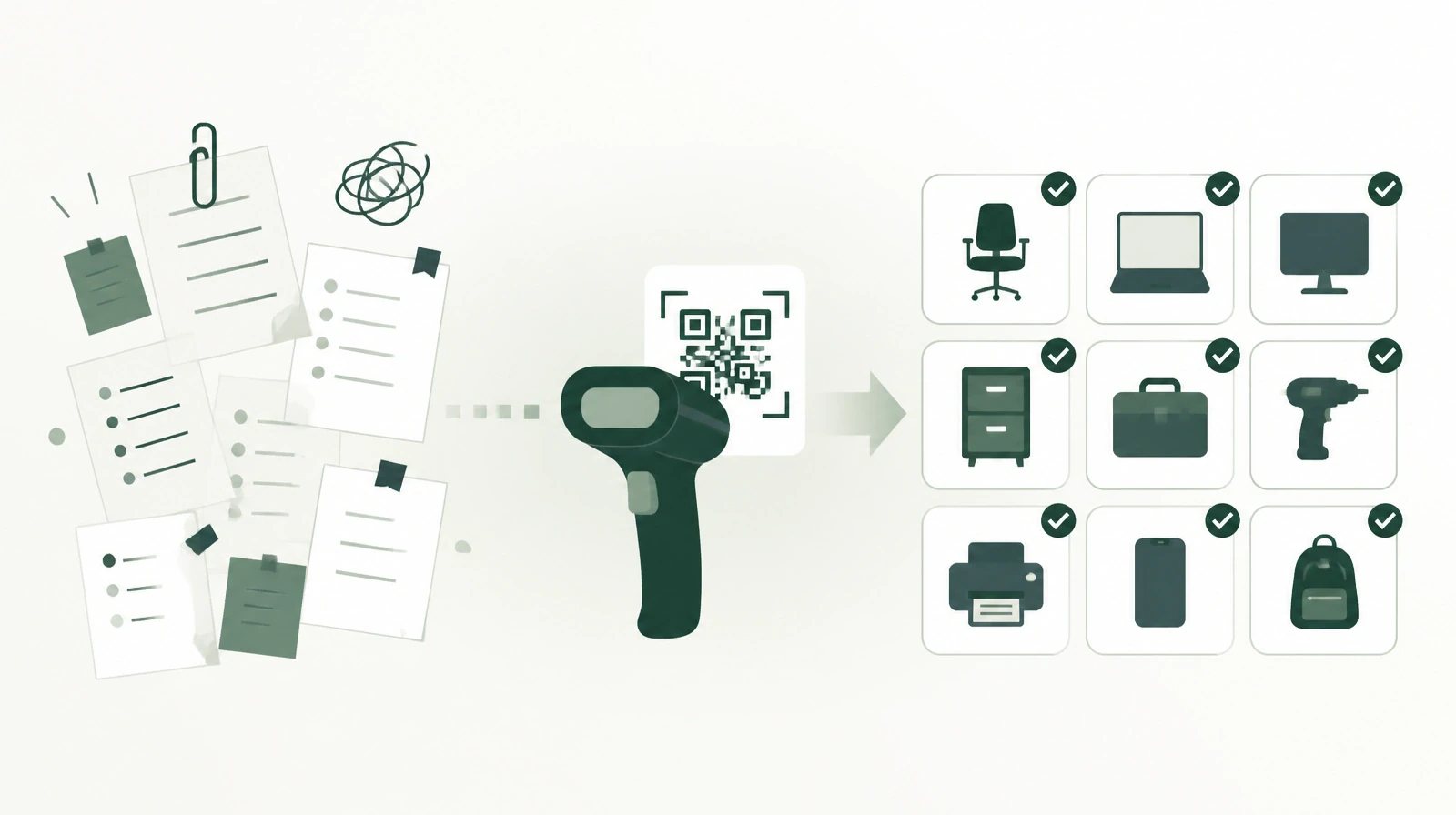
A physical count is the only way to find ghost assets. In Osol the count team scans asset codes, and the inventory comparison report then lists every asset in scope as found or missing. The periodic barcode count explains the count itself.
Missing in the report is not a verdict. The asset may be on loan, or moved to another location without a request. The team therefore checks the asset's ownership history before any decision: who received it last, and is there a loan that was never returned? Osol does not change an asset's condition on its own because a count did not scan it.
Leaving the register through an approved request
Once it is established that an asset is lost, damaged or sold, an employee raises a condition change request. The request states who reported it and when, who inspected the asset, and a description of the damage where there is any. For a sale it records the sale price, the date and the buyer. Supporting documents attach to the request, such as an inspection report or a sale receipt.
The request goes through an approval workflow. After approval, the asset's condition changes to damaged, lost or sold. The asset is not deleted: it stays on the register with its new condition and its movement history since it was added. The asset value on the KPI dashboard counts good-condition assets only.
The auditor then finds three answers for every asset that left service: why it left, who approved that, and when.
Habits that stop the problem returning
A replacement starts with returning the old device. The new one is not recorded under the employee until the old one moves to the warehouse by request, or has a condition change request raised on it.
A sale is recorded the day it happens. The department selling assets sends the list to the asset officer before handing over to the buyer, not after year-end close.
A loan has a return date. Osol flags loans that are past their date, so a forgotten loan does not become an asset of unknown location.
A count has a date as well. Osol flags a count that is coming due and escalates an overdue count to the location supervisor.
One habit no system creates: reporting a loss has to be easier than hiding it. An organisation that punishes every report will get fewer reports and more ghost assets.
Limits worth knowing
An asset's condition in Osol is one of four: good, damaged, lost or sold. There is no separate condition for theft or scrapping, and the employee writes the details in the request description.
Osol does not create accounting entries and has no link to the finance system. After the request is approved, the accountant records the disposal in the accounting system. Osol does not track insurance policies.
A one-hour test
Pick twenty assets from the register at random and ask the team to produce or photograph them within an hour. Then pick twenty devices from the offices and look them up in the register. The number not found in each direction gives a first estimate of the problem before an auditor finds it.
The subject connects to employee custody, since many ghost assets begin the day an employee leaves without returning the assets in their custody. A departing employee's custody covers that. You can learn more about Osol from Renewable Systems, for managing assets, custody and counts.