The Periodic Barcode Count: From Label to Comparison Report
Steps for a barcode asset count: a label per asset, scans by phone camera or scanner, a report comparing findings to the record, and approval for losses.
Two weeks before the financial year closes, finance asks for one number: how many laptops does the organization own, and where are they? The asset sheet says about four hundred. The IT team estimates fewer. Nobody can say which number is closer to reality without walking through the offices one by one.
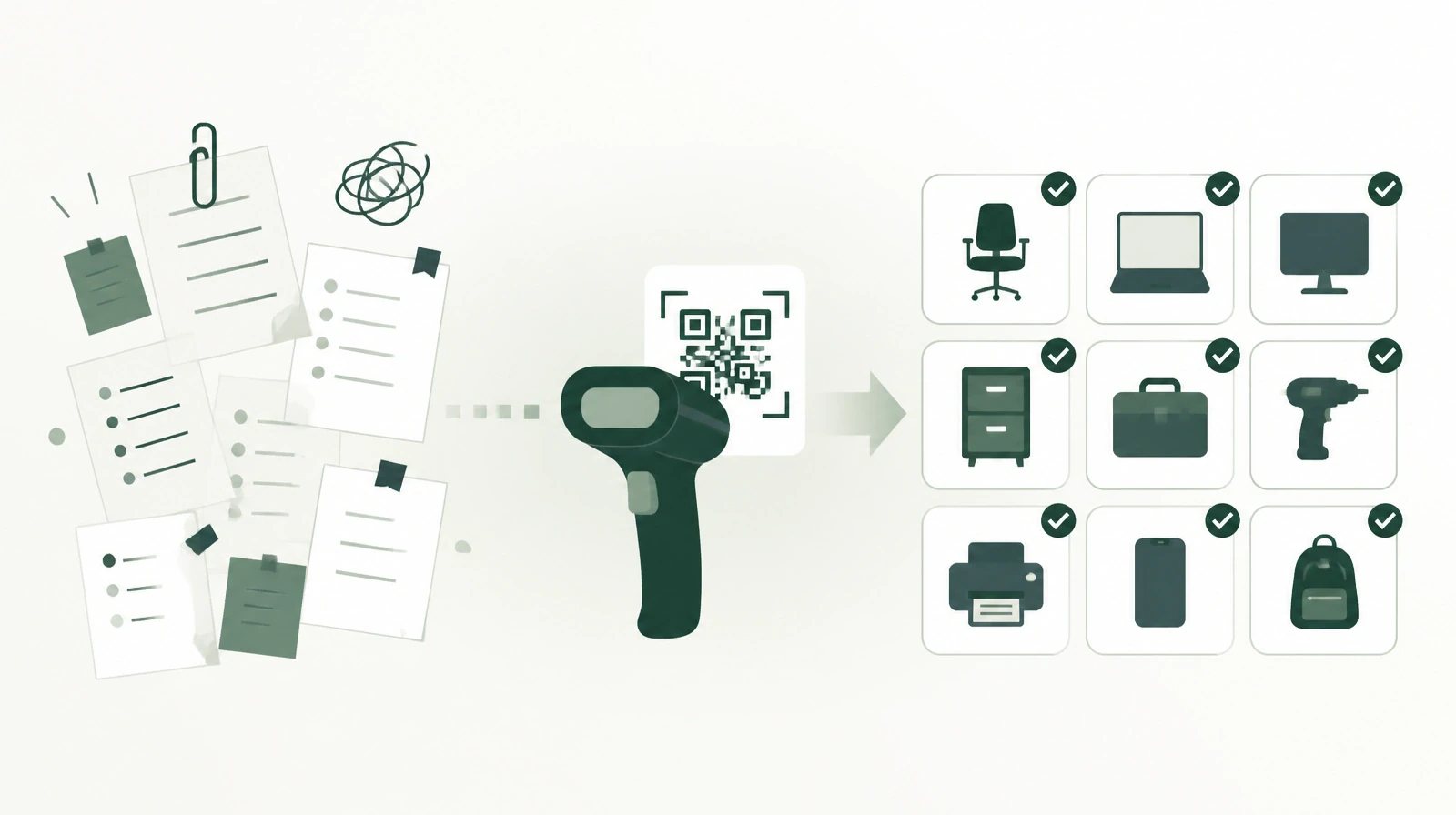
That is the periodic count: matching what the record says against what actually exists. When it is run on printed sheets, it takes days, and then the results are typed in again by hand, so errors enter at every stage. In a typical scenario of a three-floor building with about 1,500 assets, a team of four may need two weeks for a paper count and its reconciliation. Barcode scanning cuts the field work to a few days and removes the re-entry stage entirely.
Before count day: a label on every asset
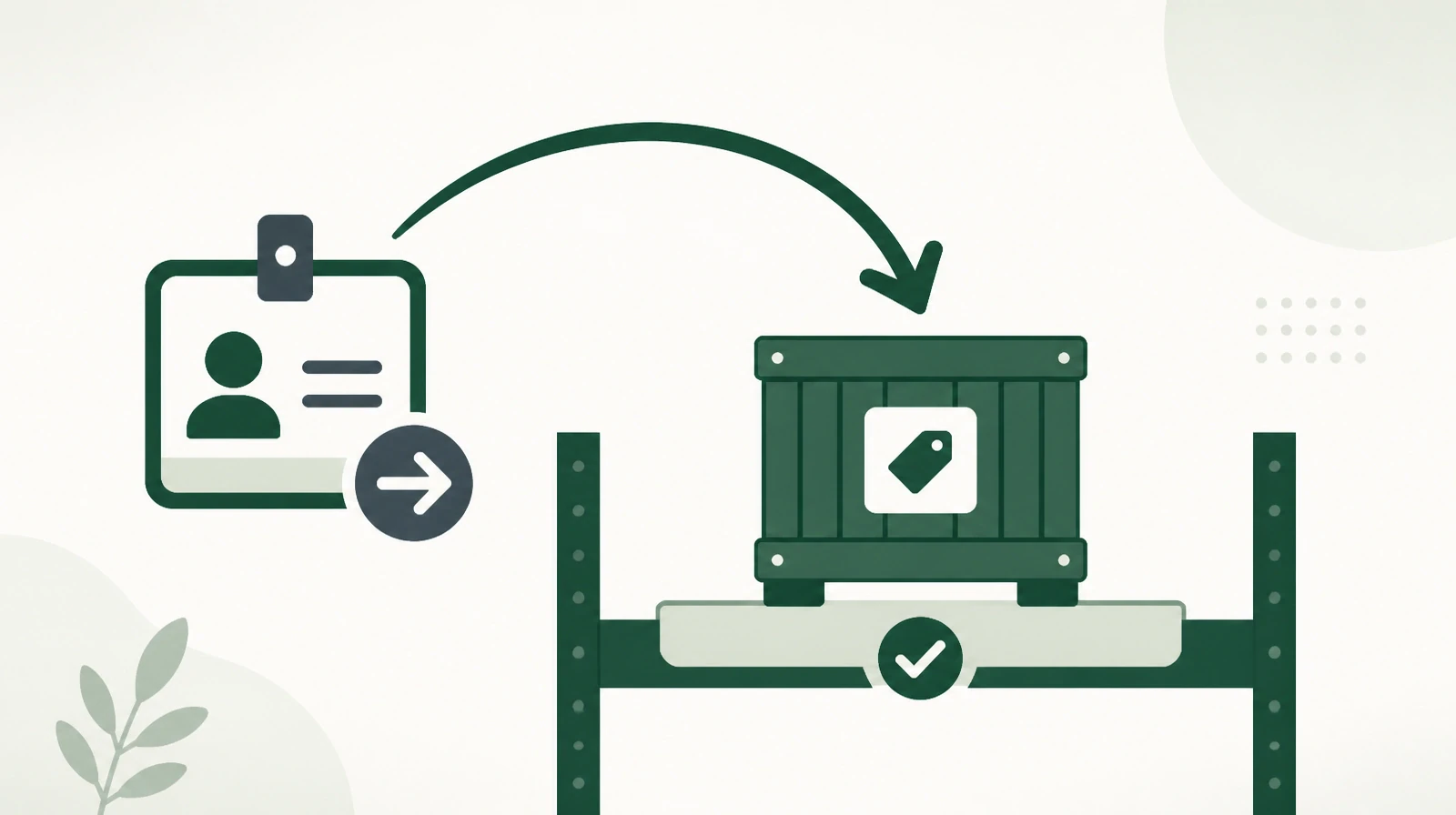
A fast count starts weeks before the count. Every asset needs a barcode label tied to its record in the asset management system. The system provides a barcodes report for printing labels, which go on devices, furniture, and equipment once and stay valid for every later count.
At this stage the record itself deserves a review. Is every asset in its correct group, such as computers, furniture, or vehicles? Is its place set in the location tree, from building to floor to office, or in a warehouse? A count compares reality with the record, so a vague record makes for a vague comparison.
A plan before the walk-through
A count that starts without a plan ends with some floors scanned twice and others never visited. So it helps to settle three things before starting. The first is assigning sites to people, so each member knows where to start and where to finish. The second is the count date, announced to staff ahead of time so laptops stay in their offices on the day. The third is the list of open loans, because a borrowed asset must not be counted as missing.
It also helps to start with the warehouse, since it holds the most assets and moves the least during the count. Offices come next, then remote sites and branches.
Count day: phone camera or scanner
Work is split by site. Each team member takes a floor or a warehouse and scans the assets in front of them. Scanning works directly with a phone camera, so the organization does not need to buy devices for the whole team. In large warehouses with hundreds of similar items, a barcode scanner is faster.
If the team uses a scanner that stores reads in its memory, the list of barcodes can be uploaded to the system in one batch after the round. Each site picks the method that suits it, and all results land in the same place.
During the round the team will find assets whose label has fallen off or been damaged. Such an asset is not counted as new, and it is not set aside. The team looks it up in the system using data readable on the item itself, such as a serial number if the organization recorded it in the asset's custom fields, then prints a new label and scans it. That is why it pays to record such data when the asset is first added.
What changes here is that the employee writes nothing. No number is misread, no line is written in the wrong place, and no sheet waits days for someone to compile it. Every scan is recorded in the system as it is.
Reading the inventory comparison report
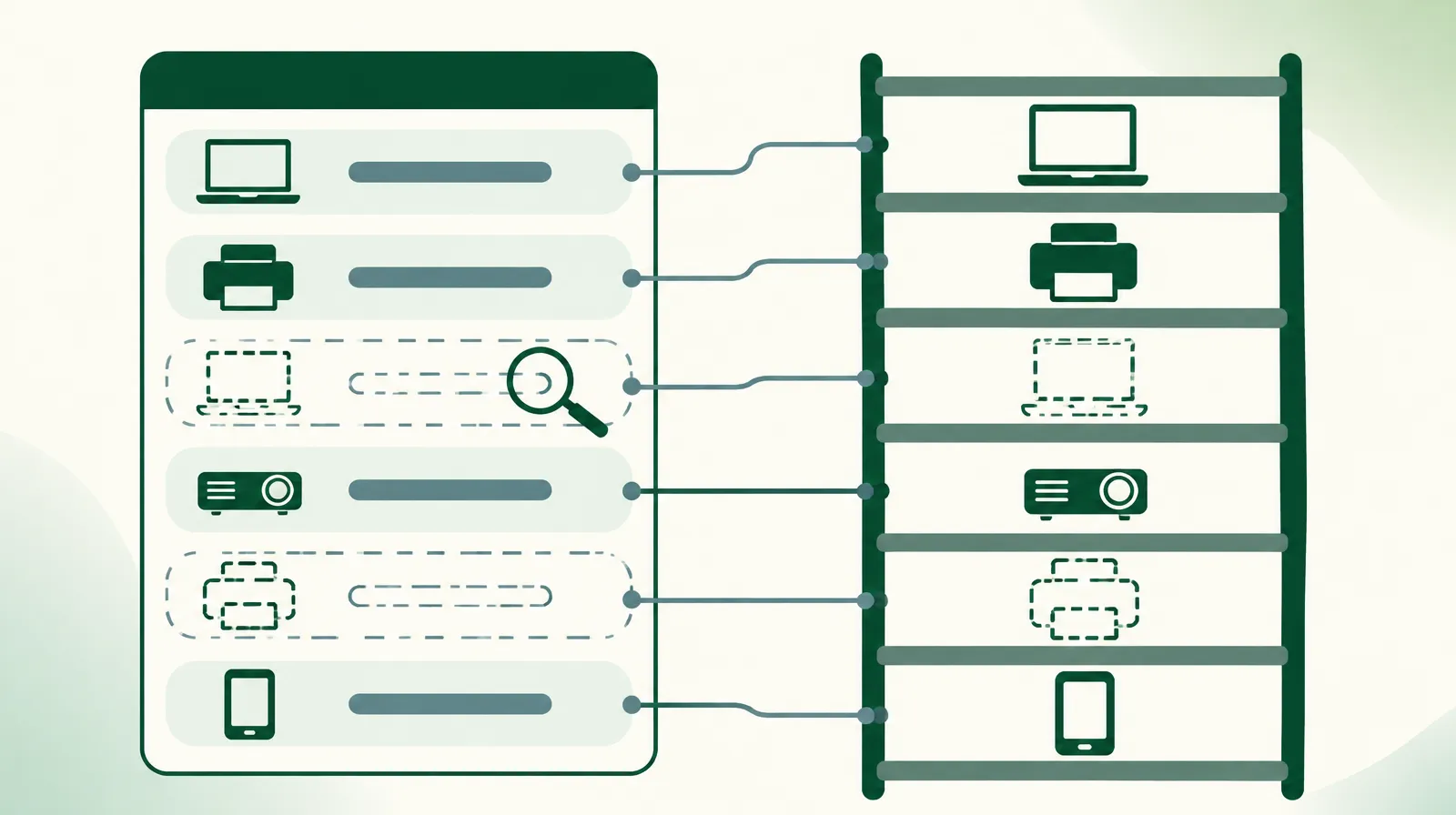
When scanning ends, the inventory comparison report places what was scanned next to what the record says. This is where the differences hidden in paper sheets appear, above all assets that are in the record but that nobody scanned.
Every difference needs a decision, not a silent correction on the sheet. An asset that was not found may be on loan to an employee at another branch, moved without a request, or actually lost. So the team starts with an orderly search: who held it last according to the ownership history? Is there an open loan on it? Many differences are resolved by these two questions before they reach management.
The damaged asset and the lost asset
When an asset is confirmed lost, or found damaged beyond use, its status is not changed by one person's decision. Damage or loss is reported through an approval request, and once approved, the asset's status changes to damaged or lost. A later reviewer can then see why the asset left service, who approved it, and when.
This matters more to internal audit than it first seems. A count that ends in write-offs with no written trail raises more questions than it answers. A count that ties every status change to an approved request can be reviewed at any time. The system's activity log keeps these moves as well.
After the count: numbers to build decisions on
A count is not a goal in itself. Its value lies in the decisions that follow: what to buy, what to replace, and what to write off. Once finance trusts the number and condition of assets, the register becomes a sound basis for depreciation. The system stores each asset's price, purchase date, and useful life, and exports them in an Excel report. The accountant calculates depreciation from that data, so the organization can see which assets are near the end of their book life while still in service.
How often each year
When counting is exhausting, organizations do it once a year and then cut it short. When scanning is fast, the count can be split: a full count before year-end, and a partial count of one site or one group each quarter, such as laptops, which move more than anything else. Frequent partial counts keep the record close to reality and make the full count shorter, because fewer differences pile up.
The count is tied directly to employee custody. An asset missing from its place has usually moved between employees without being recorded, and that is exactly what surfaces when one of them leaves. The article on a departing employee's custody covers this case in detail.
Two questions before the next count
How many days did your last count take? And how many differences were left unexplained when it ended? If the answer is long days and many differences, the problem is the method, not the team.
Learn more about Osol from Renewable Systems, for managing assets, custody, and barcode counts.