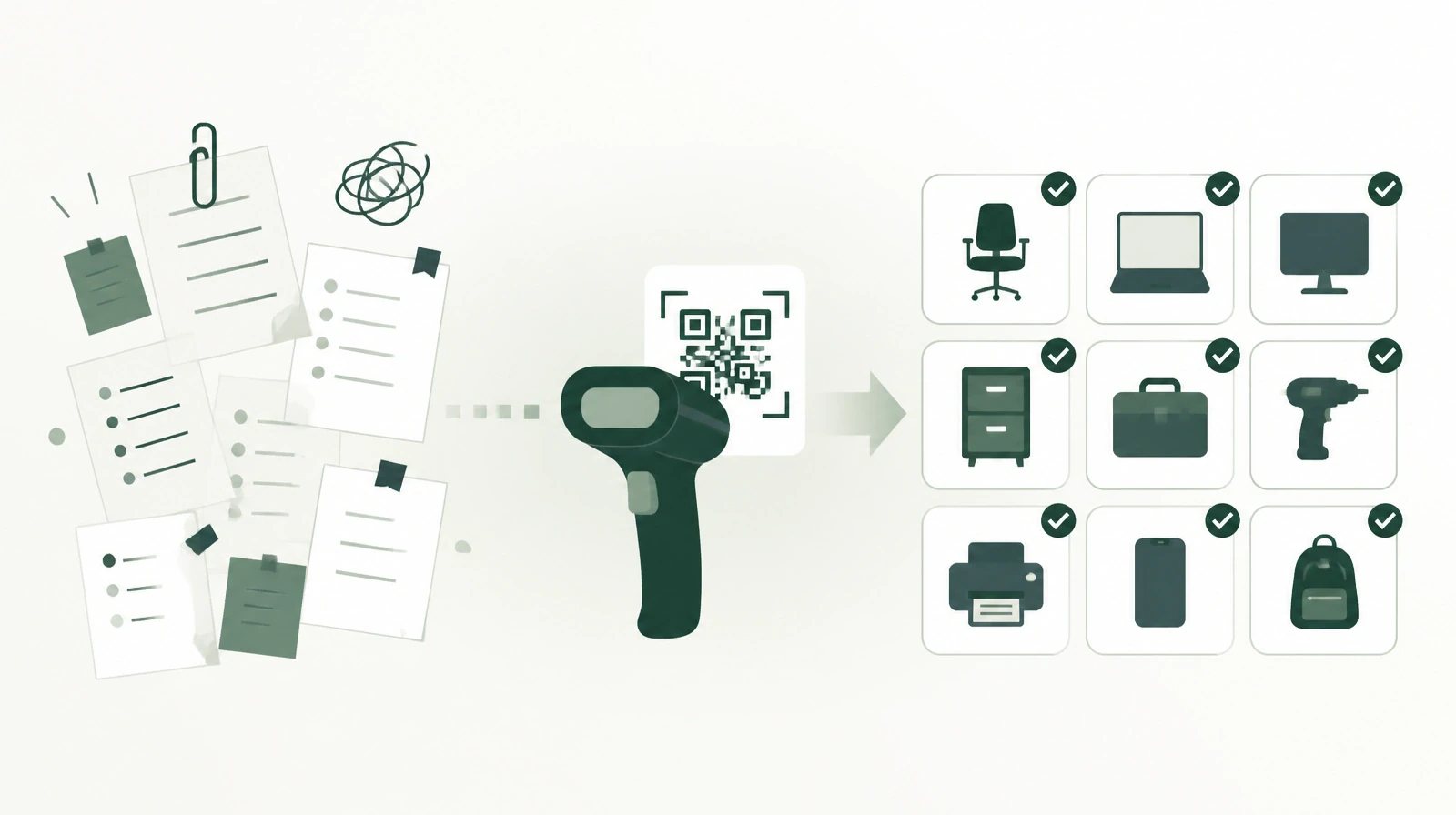
A Departing Employee's Custody: A Full List Before Clearance Is Signed
When an employee leaves, nobody usually knows everything they hold. How HR checks a single employee's custody report and recovers each asset before clearance.
Thursday is the last working day for a project coordinator who resigned a month ago. The clearance form goes around the departments. IT signs after collecting the laptop, security signs after collecting the access card, and the line manager signs because he cannot recall anything else. Two months later the site team asks for the measuring device the coordinator borrowed from the branch warehouse, and nobody can find it. Every signature is there. The device is not.
This story needs no bad intent. It only takes custody spread across records that nobody sees in total.
The clearance form collects signatures, not a list
The clearance form asks each department one question: do you have anything with this employee? Each department answers from its own records. IT knows the devices it issued, the warehouse knows what left it, and administration knows the office and furniture. But nobody knows what moved between those records after the first issue.
So HR signs off on a set of signatures, not on a list. When a missing item turns up after final dues are paid, recovering it is much harder. The employee is no longer with the organization, and proving they held the item depends on colleagues' memories.
Where the gap comes from
Custody does not stay as it was handed over. An employee borrows a monitor from a colleague for a week, and it stays on their desk. They move to another department and take their device with them. They swap a phone after a fault. They take a tool from another branch's warehouse for a temporary project. Every one of these moves is real, and most are recorded only in a message or a verbal agreement.
In an organization of a few hundred employees, several people may leave each month. If one asset went unrecovered with each departure, a year would add up to dozens of lost assets, many of them devices carrying the organization's email and files. The material value is only part of the cost. The other part is data that left without anyone knowing.
A custody report for one employee
An asset and custody management system starts from the asset record itself. Every asset is recorded with its group and its place in the location tree or in a warehouse. It has a clear status: in warehouse, assigned, available, borrowed, damaged, lost, or sold. Each asset also keeps an ownership history showing who held it and when it moved on.
The question (what does this employee hold?) then becomes a report, not a search. HR filters the assets report by the employee's name and sees every asset assigned to them today, whichever department issued it and whichever branch it came from. Borrowed assets appear too, because loans are recorded in the system with an expected return date. The system sends a reminder three days before the return date and again one day before, and checks overdue loans daily.
In organizations spread over several branches, the same report shows what the employee received from their own branch warehouse and what they took from another branch. HR does not need to write to each branch to ask about one employee's custody.
Employee names come from the Microsoft 365 directory, which the system syncs daily, so HR does not create accounts by hand. The sync covers directory data only, not HR data.
Returning each asset with a transfer and a receipt
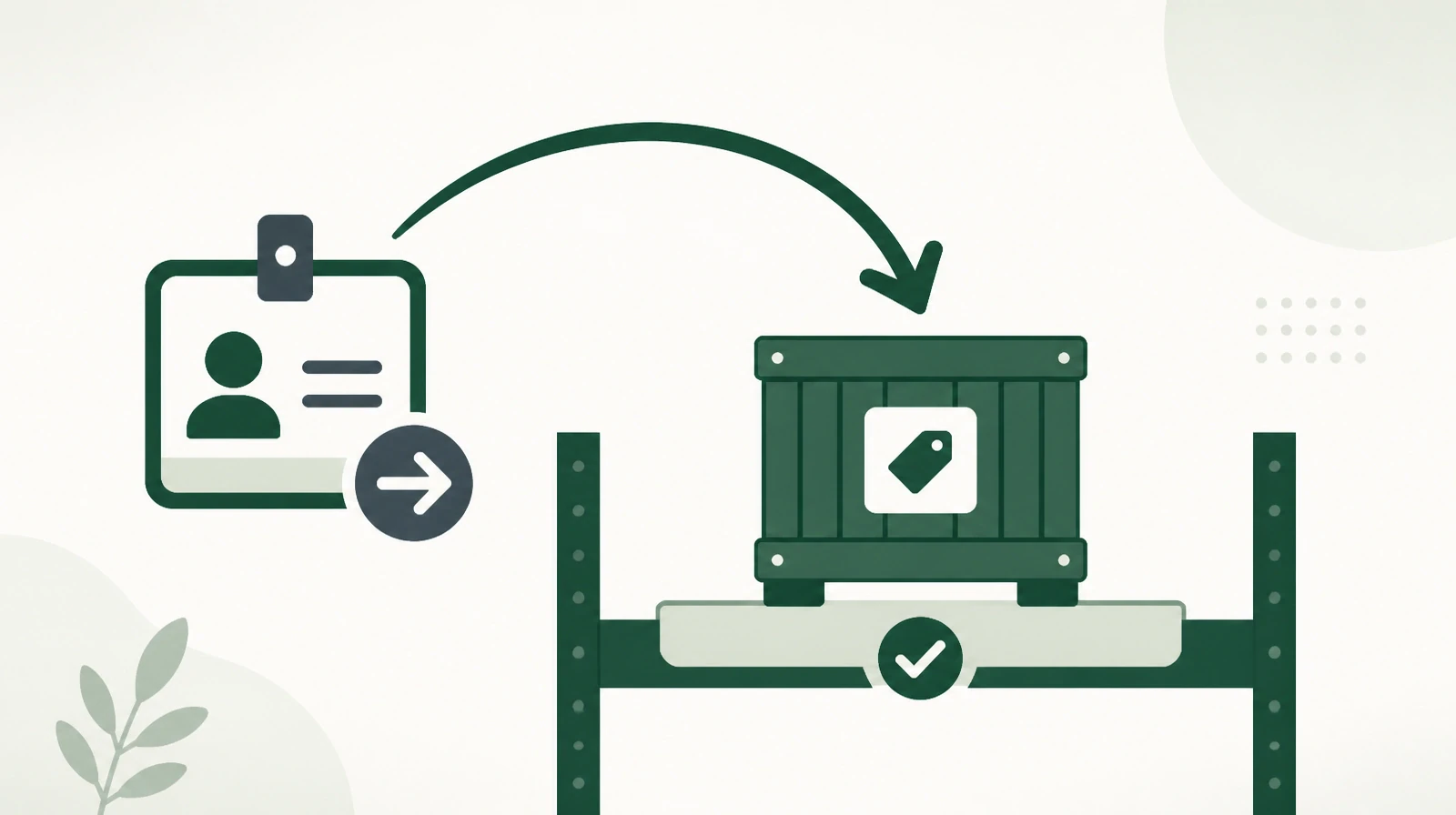
When HR decides to recover an asset, leaving it on the storekeeper's desk is not enough. In the system, a return is a transfer request from the departing employee to the person who will receive the asset, such as the storekeeper or the IT officer. The request goes through an approval chain that includes the current owner, the new owner, and the location manager, and may include management and oversight. A delegate can approve on behalf of a role holder who is away, and the transfer is confirmed by a verification code.
Once the transfer is complete, a custody receipt form is printed for the asset as a PDF, and HR keeps a signed copy next to the record in the system. The asset moves to its new holder in its ownership history and drops off the departing employee's report.
What HR checks before signing
A short review is enough before signing clearance:
- The employee's custody report is empty, or everything left on it has a written decision.
- No transfer request is pending. Requests that nobody answers close automatically, so HR confirms each request was actually completed and did not close unfinished.
- No open loan remains in the employee's name.
- Every damaged or lost asset has an approved request.
The damaged or lost asset
Sometimes an asset comes back broken, and sometimes it does not come back. In both cases it is not deleted from the record or written off by a verbal decision. Damage or loss is reported through an approval request, and once approved, the asset's status changes to damaged or lost. The decision and its approver stay on record, and finance can build on it for any settlement the organization reaches with the employee under its own policy.
What the system does not do
The system is not connected to an HR system, does not stop clearance on its own, and has no dedicated clearance screen. The decision stays with HR, and the system gives HR a list it can trust.
This split is easy to apply. HR adds one step to the exit procedure: pull the employee's custody report and attach it to the form. Then it does not sign until the report is empty.
The first handover shapes the return
What happens on exit day depends on what happened on the day of handover. When an asset is issued to a new employee through a transfer request from the warehouse and a printed receipt, it enters their custody report from day one. When it is handed over verbally in a hurry, it stays outside the report until someone finds it during a count.
So it helps when departments agree on one rule: no asset leaves a warehouse or an employee's hands without a request in the system. IT, the warehouse, and administration all work on the same record, and each sees what the others issued. The employee's report then becomes the sum of every department's work, not one department's log.
The habit that protects exit day
The report is accurate on exit day only if the record was accurate before it. That is why small moves deserve to be recorded when they happen: a loan with a return date, a transfer between employees through a request, and a swap recorded as returning the old device and assigning the new one. Periodic barcode counts also help catch what has drifted from the record before its holder leaves.
Test your organization with one question: if an employee resigned today, could you produce an accurate list of their custody without asking them? If the answer needs messages between departments, the problem is the record, not the employee.
Learn more about Osol from Renewable Systems, for managing assets and custody from the first issue to exit day.